Configuring CactiStats
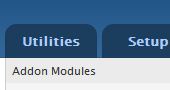
To get to the configuring cactistats page, go to utilities, then addon modules.
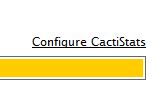
 Select Cactistats from the list of addon modules. The the far right corner there’s a link for Configure Cactistats.
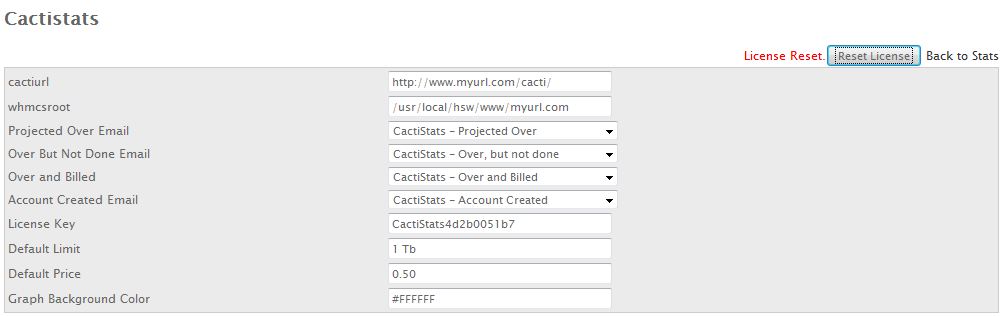
 From here you can reset your license and configure your Cactistats system emails to both you and your customers.
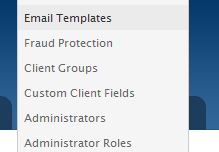
 All emails are located in the WHMCS email templates engine. We highly recommend you make any necessary changes to email templates here. The email template engine is located under the setup tab.
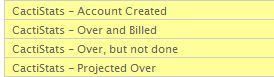
When you install Cactistats, these templates are automatically added.
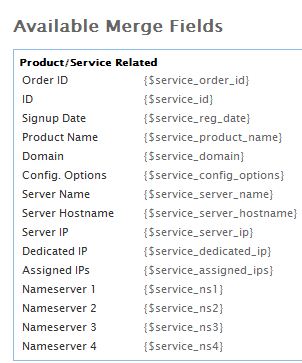
 Take note of the available variables that can be used.
A full list of these variables is located in the Available Merge Fields section below the template.