Setting up a switch in WHMCS
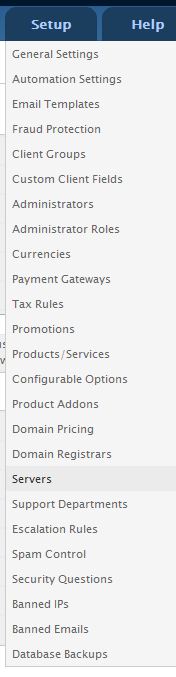
- Within WHMCS, roll over Setup and choose Servers.
- Select “Add New Server”
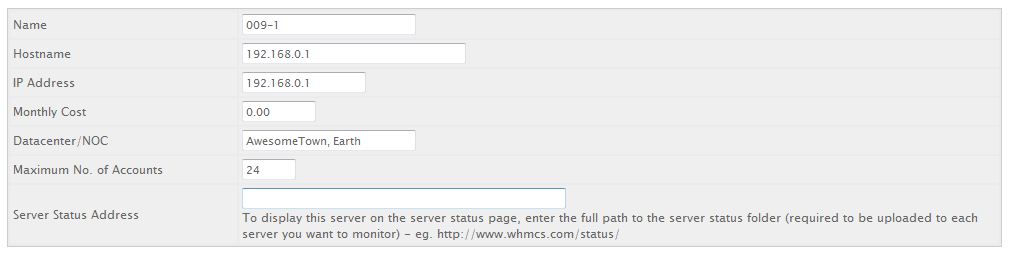
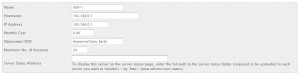
- Fill in the Name (*note* be sure this reflects the name you have setup within cacti!), Hostname, IP Address, Monthly Cost (if applicable), and Maximum Number of Accounts.
- Fill in the Server Details section with your switch’s Username, Password, and Access Hash. Save changes and you’re done!